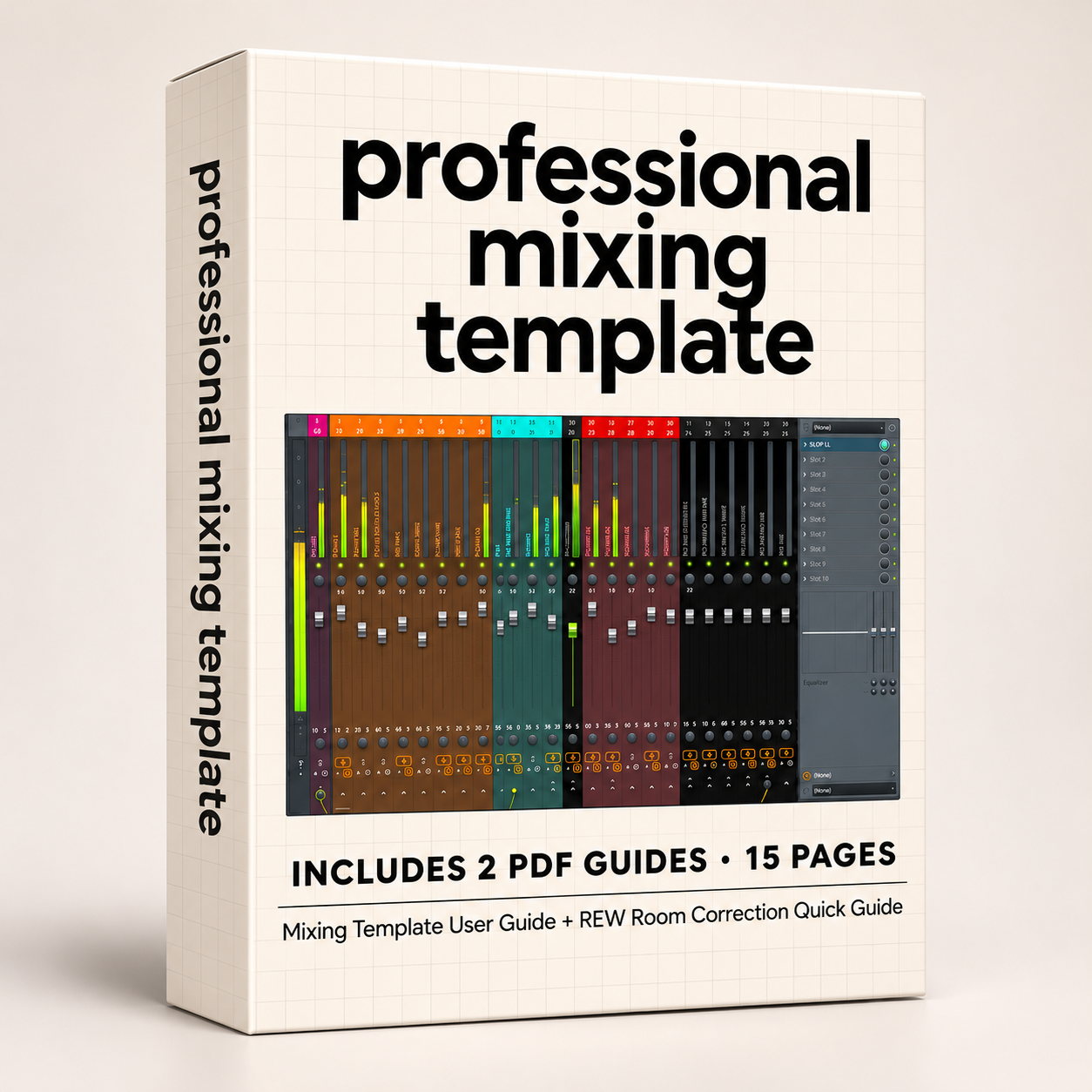
Professional Mixing Template for FL Studio 2026
A complete mixing environment. Organized, flexible, and ready for your next project.
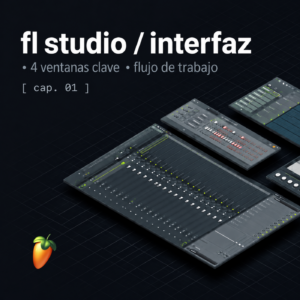
Sintelab Professional Mixing Template provides a structured mixing environment for FL Studio, designed to streamline your workflow and give you greater control over your sessions.
With dedicated buses, advanced signal routing, processing chains, and monitoring tools, you can spend less time setting up your mixer and more time focusing on your sound.
Key Features
Professional Mixer Organization
Dedicated channels and buses for drums, bass, synthesizers, FX samples, and vocals, all connected through a structured mixing workflow.
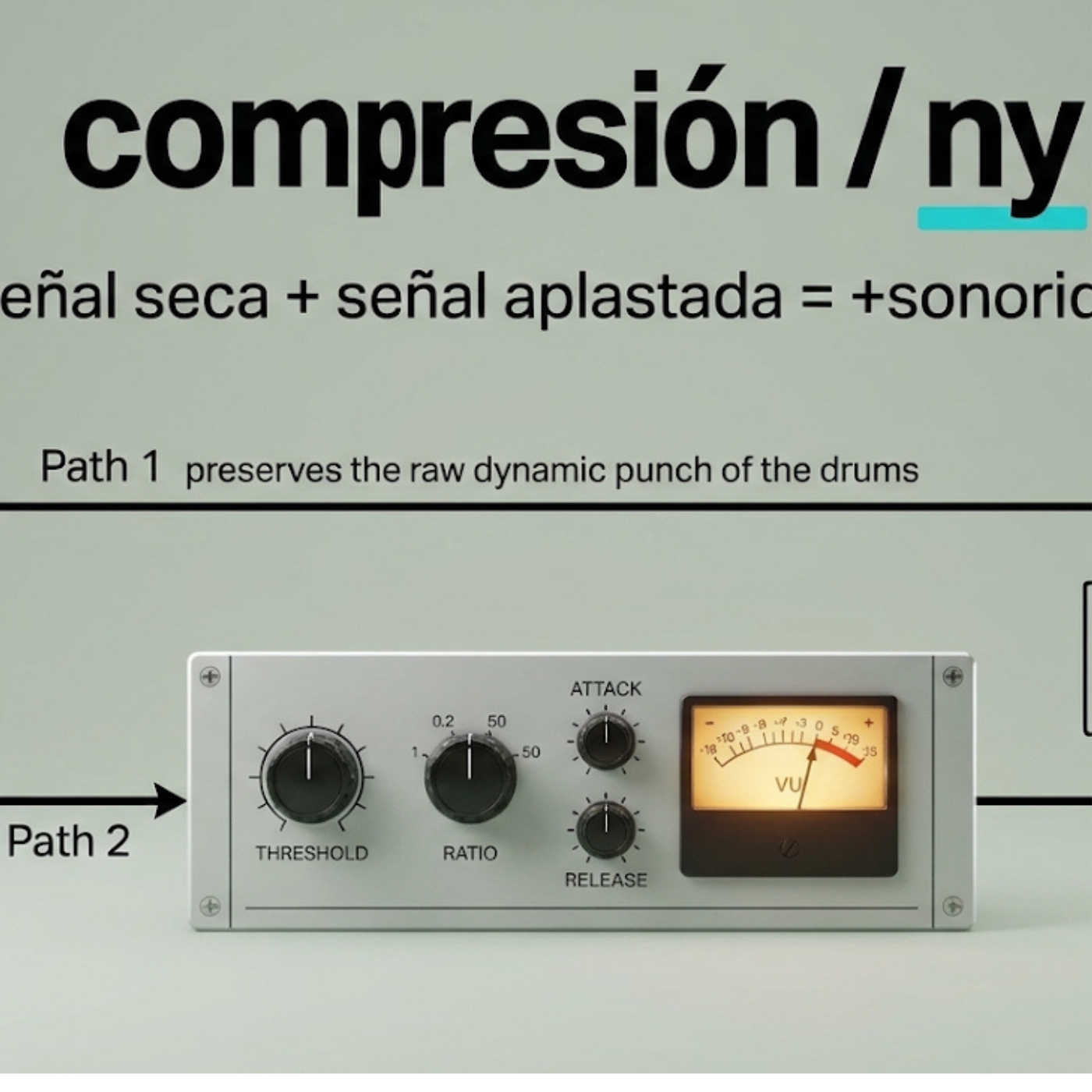
Advanced Drum Processing
- Dedicated drum sections and buses
- Snare EQ and compression
- Parallel saturation processing
- 808 processing
- New York-style parallel compression
Multiband Bass Control
Split your bass into Low, Mid, and High frequency ranges using FL Studio’s Frequency Splitter.
Independent frequency-band processing, a dedicated Sub Bass harmonic channel, and centralized Bass Bus routing provide flexible control over low-frequency content.
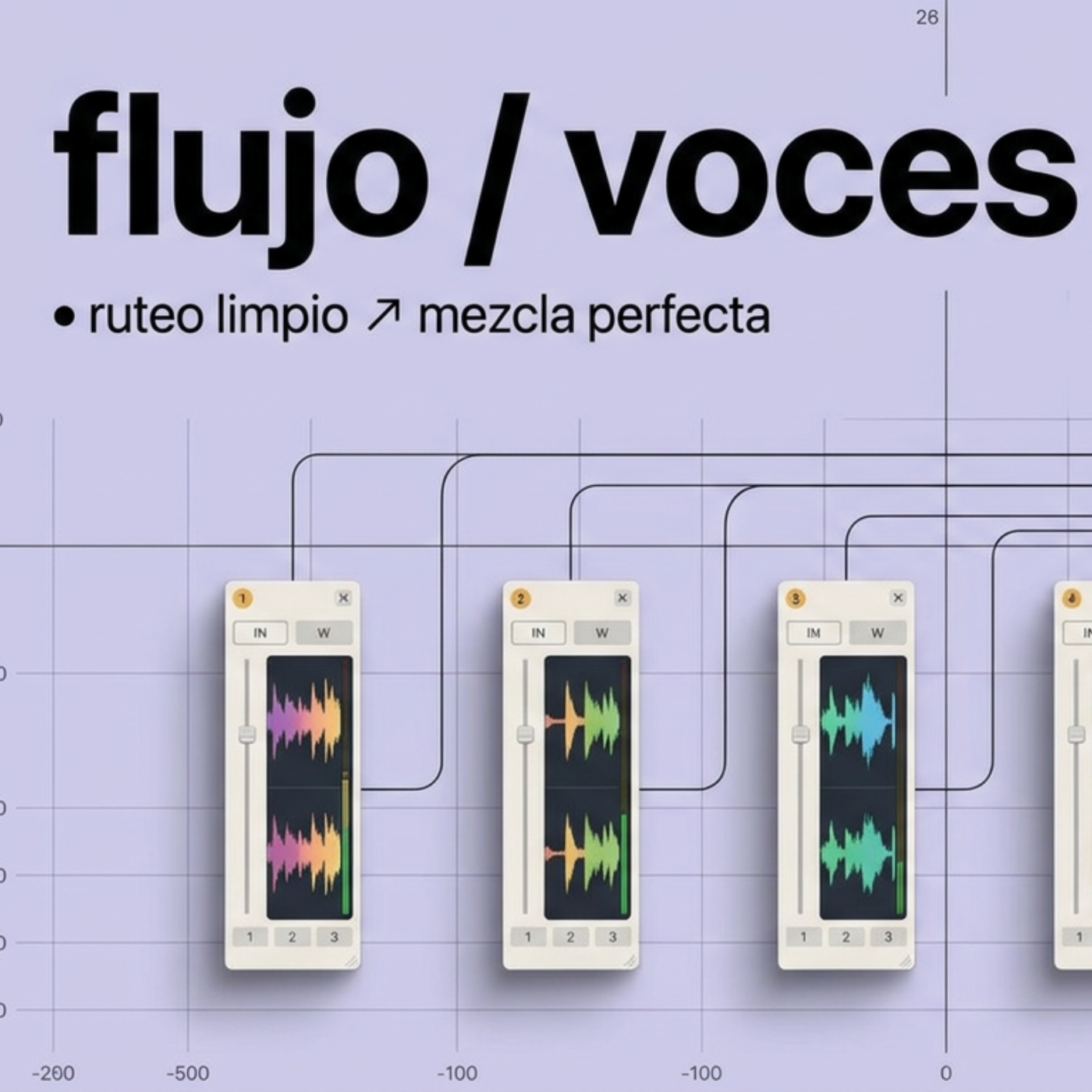
Vocal Processing
Three vocal tracks prepared with EQ, compression, de-essing, and tonal processing, plus a shared Vocal Bus for group control.
Creative Reverb & Delay Sends
Reverbs: Hall, Room, Plate, Spring, and Chambers.
Delays: Slap, Ping Pong, Tape, and Reverse FX.
Dedicated auxiliary buses help you manage depth and spatial effects across your mix.
Mix Bus & Monitoring
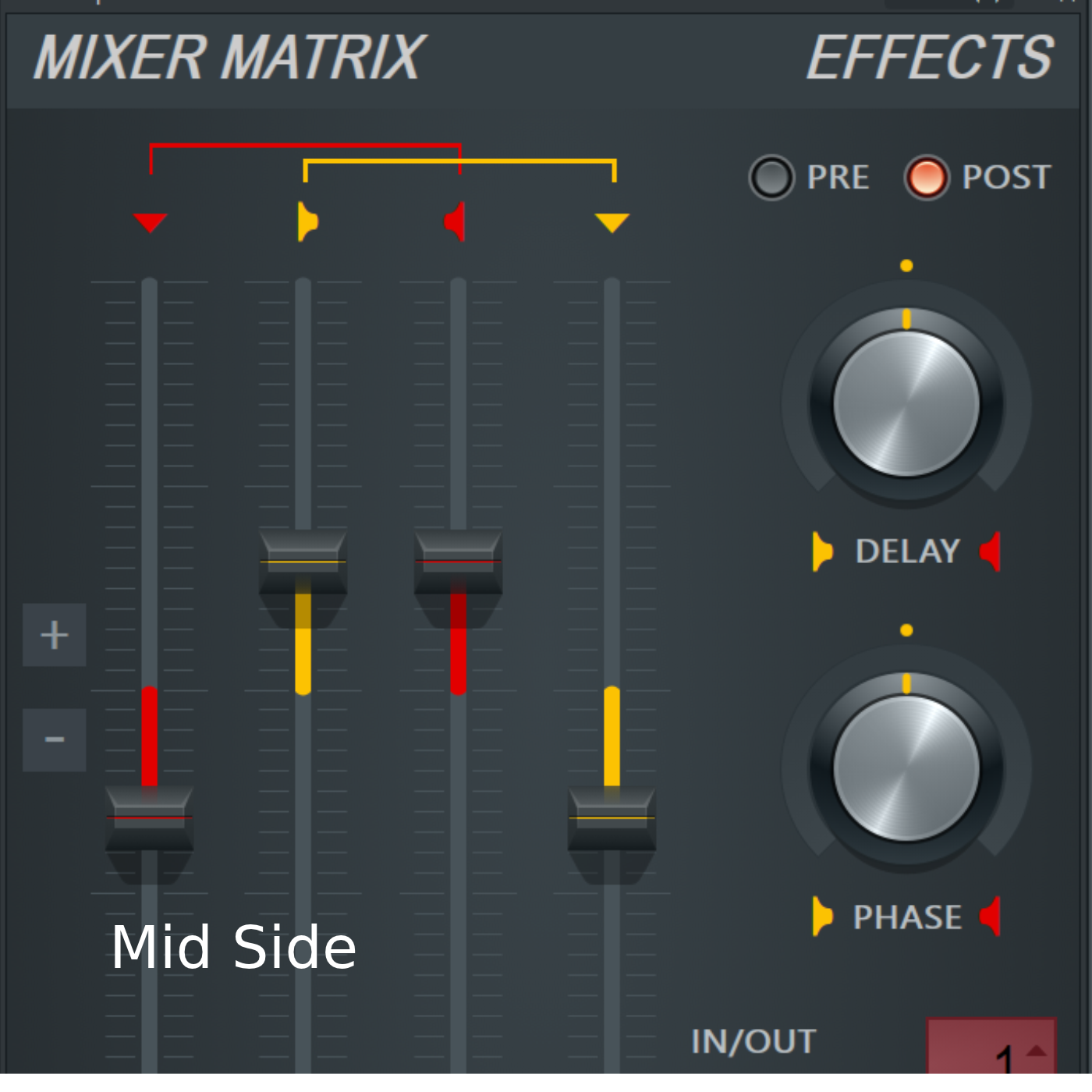
A dedicated Mix Bus provides optional global processing, including corrective EQ, glue compression, mid/side EQ, and limiting.
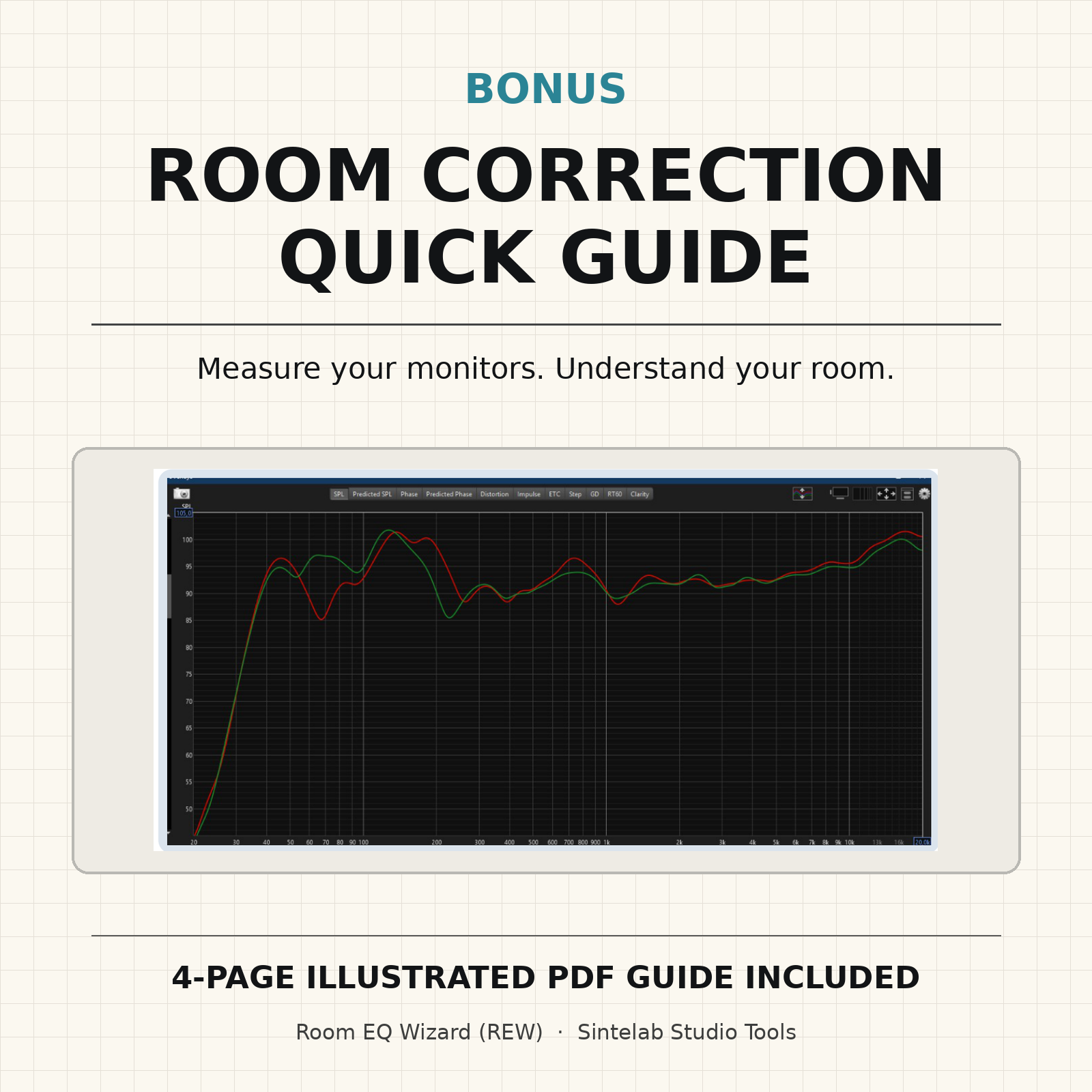
Separate analysis and monitoring areas support spectral and loudness checks, along with optional room correction for listening.
Two Illustrated PDF Guides Included
1. Professional Mixing Template – User Guide (11 pages)
Explore the template’s routing structure, buses, processing sections, effects, and recommended mixing workflow.
2. REW Room Correction – Quick Guide (4 pages)
Learn the fundamentals of measuring your studio monitors using Room EQ Wizard, comparing frequency responses, and applying corrective EQ for monitoring.
Room EQ Wizard and measurement equipment are not included.
A Flexible Starting Point for Your Mixes
This template is designed as a professional workflow foundation, not a collection of universal mixing presets.
Import your audio, set your levels, customize the processing chains, and adapt the session to your own production style.
Less setup. More mixing.
Product Details
- Software: FL Studio
- Format: FLP Project File
- Includes: Mixing Template + 2 PDF Guides
- Optional third-party VST plugins may require separate installation
- Delivery: Digital Download
This product is an FL Studio project template, not a VST plugin or standalone application.
Developed by Sintelab – Studio Tools