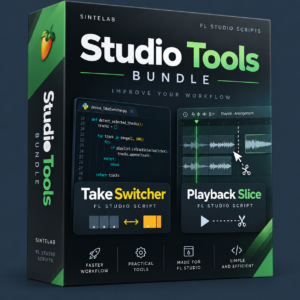
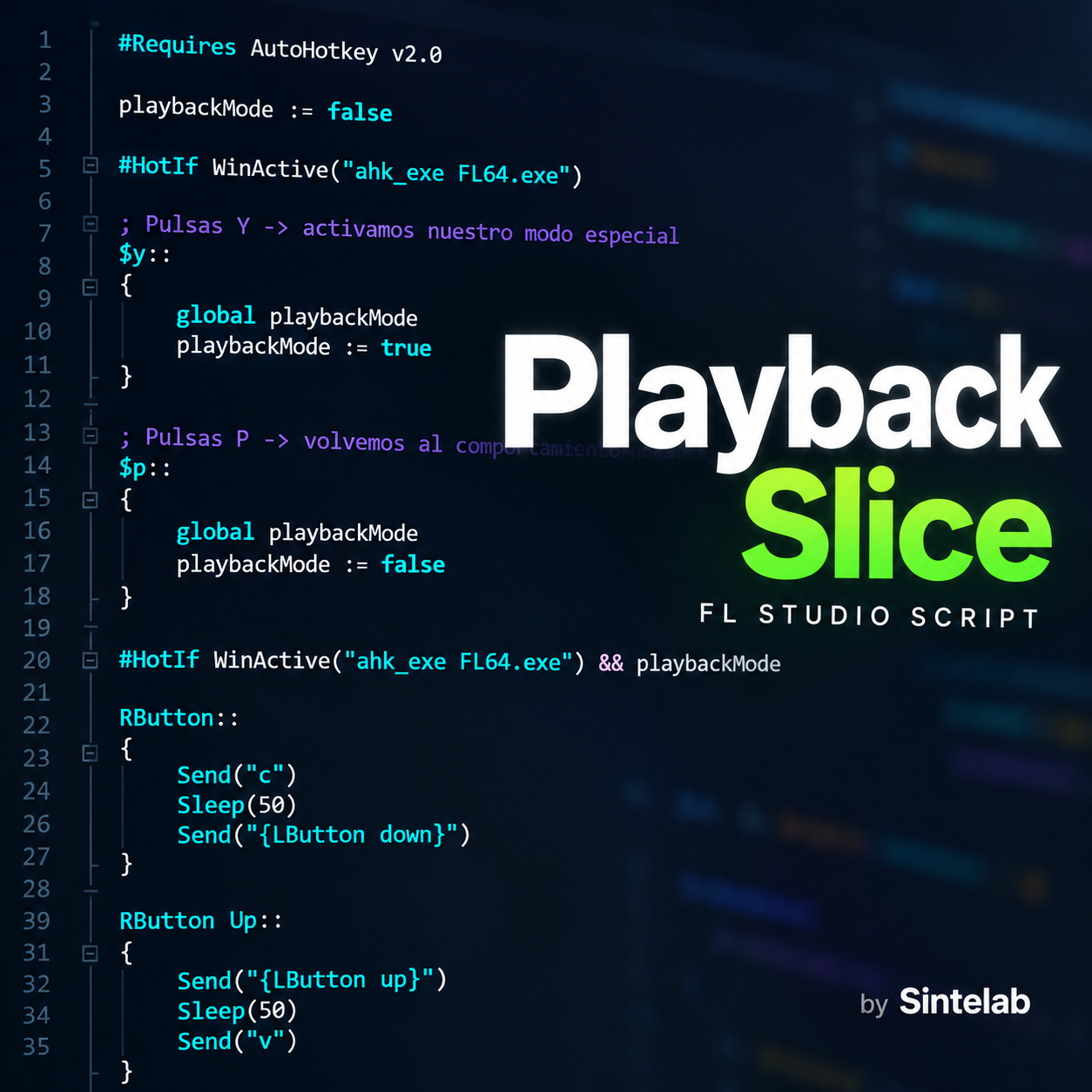
Playback Slice – FL Studio Workflow Utility
Playback Slice is an AutoHotkey v2 utility developed by Sintelab to simplify playback and slicing operations in FL Studio.
Designed to speed up editing workflows, Playback Slice lets you switch temporarily between Playback and Slice tools using mouse clicks, without constantly changing tools manually.
Key Features
- Quick Playback access: Press Y to activate Playback mode.
- Left-click playback: Play audio directly using the left mouse button.
- Temporary Slice mode: Hold the right mouse button to slice clips.
- Automatic tool switching: Releasing the right mouse button restores Playback mode.
- Draw/Pencil mode: Press P to restore normal editing behavior.
- Lightweight utility: Runs in the background using AutoHotkey v2.
Requirements
- Windows.
- FL Studio.
- AutoHotkey v2 installed.
Compatibility: Windows with FL Studio.
Format: Digital download (ZIP).
Developer: Sintelab.